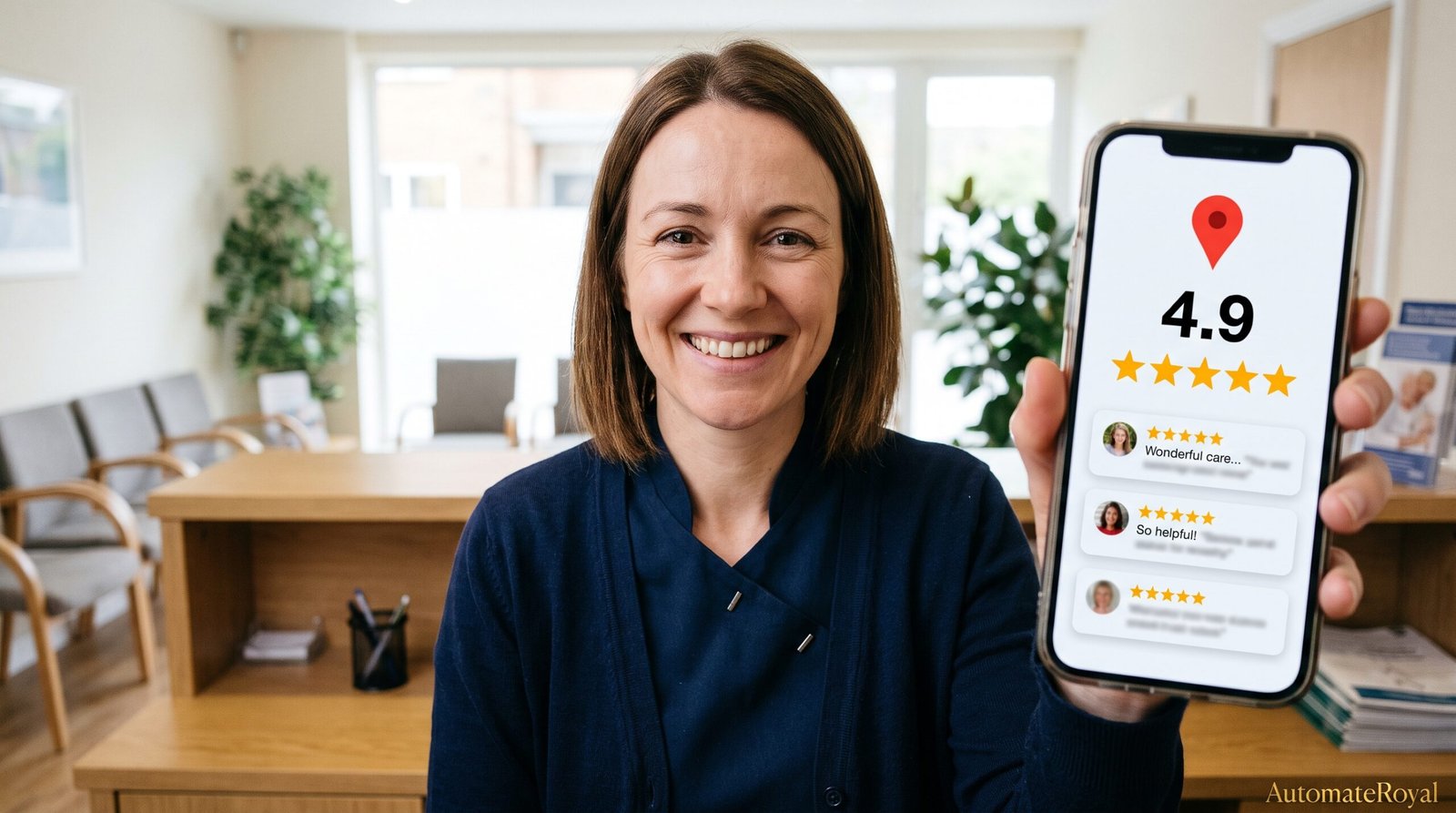
Google Review Automation for Local Businesses: Get More Genuine Reviews Without Chasing Customers
Google review automation means your business asks every happy customer for a Google review at the right moment, automatically, by text, WhatsApp or email, and alerts you when a review needs a reply. It does not write fake reviews and it does not buy them. It simply makes sure that asking happens every time, instead of only when someone remembers.
Most local businesses already know reviews matter. The problem is the asking. The owner is busy, the front desk forgets, and the customers who had a good visit leave without saying a word. A short, polite request sent a few hours after the visit fixes this, and it works the same way for a clinic in Manchester, a restaurant in Riyadh or a hotel in Doha.
In this guide we explain how review automation works, what the rules say (including what you must not do), what it costs, and where it goes wrong. If you run a business and want it set up for you, you can reach us at AutomateRoyal or by email at automateroyal@gmail.com.
Why Google Reviews Matter for Local Businesses
Reviews are now part of how people choose. The BrightLocal Local Consumer Review Survey 2026, which asked 1,002 US adults, found that 97% read online reviews for local businesses. 68% said they need a business to have at least four stars, and 31% said they will only use one rated 4.5 stars or higher, up from 17% the year before. The same survey found that 89% expect owners to respond to reviews, and 32% expect a reply by the next day.
Two cautions. This survey is US-based, so treat the exact percentages as a guide for the UK and the Gulf, not a promise. And Google’s share fell from 83% to 71% among review sites people use, so Google is the biggest platform but not the only one. If your customers use Tripadvisor, Trustpilot or Booking.com, the same automation can point to those instead.
What this means in practice: a business with a handful of old reviews looks risky next to a competitor with fresh ones, even if your service is better. Steady new reviews, with real replies, are what move the picture. That is a volume problem, and volume is exactly what automation is good at.
Source: BrightLocal, Local Consumer Review Survey 2026.
How Google Review Automation Works, Step by Step
The setup is simple. It connects to the place where you already record that a customer was served, such as your booking system, point of sale, online store or a simple sheet, and runs these steps.
- A trigger. A visit is marked as completed, an order is delivered, or a guest checks out.
- A short wait. The message goes out a few hours later, or the next morning, so it does not arrive while the customer is still with you.
- A polite request. A short text, WhatsApp message or email in your business name, thanking the customer and including your direct Google review link. Every message gives the customer a clear way to opt out.
- One gentle reminder at most. If the customer has not opened the first message, a single reminder a few days later. Then it stops.
- A private route for complaints. Alongside the review link, you can offer a way to message you directly, so that a customer with a problem can reach you quickly. The review link itself must stay available to everyone (see the rules below).
- An alert for new reviews. When a review appears, you or your manager get a notification, so nothing sits unanswered.
- A simple report. How many requests went out, how many reviews arrived, and the average rating over time.
The tools behind this are usually n8n or a similar workflow tool, connected to your own accounts, the WhatsApp Business platform or SMS, and your Google Business Profile.
Examples by Business Type
The moment you ask matters more than the wording. Here is what a good trigger looks like in different businesses.
- Clinics and dental practices: send the request after a completed appointment, and keep clinical detail out of the message. A short thank-you with a review link is enough. If you also want to cut missed appointments, read our guide to reducing patient no-shows with automated reminders.
- Restaurants and cafes: send the request the next morning, once the evening is behind the customer. A table-card QR code that opens your review page works alongside it.
- Hotels: send the request on the day of check-out, and make sure guests who mention a problem at the front desk are contacted by a manager first.
- Salons, gyms and repair shops: send the request after the service is paid for and marked complete.
- Online stores: send the request a few days after delivery is confirmed, so the customer has actually used the product.
In the Gulf, many customers prefer WhatsApp to email, so the request often goes there. We cover this in our guide to WhatsApp AI assistants for businesses in Saudi Arabia and Qatar. For businesses that miss calls, see also our guide to missed call text back.
The Rules: What You Can and Cannot Do
Review automation is safe when it only asks. It becomes a problem when it filters, pays or hides. Here is where we draw the line.
Google’s rules. Google’s fake engagement policy says fake engagement is not allowed and will be removed. It specifically covers reviews that a business paid for or incentivised with discounts, free goods or services, and reviews posted from multiple accounts to manipulate a rating. So we never offer a reward for a review. Google also used to say in its Maps policy that businesses must not discourage negative reviews or selectively ask only for positive ones. Search Engine Roundtable reported in 2022 that this line had been removed from the policy text, but Google’s guidance still points to the fake engagement rules, and the safe practice is unchanged: send the same request to every customer, and never route unhappy customers away from the review link. Please check Google’s current policy before you go live.
UK law. The Digital Markets, Competition and Consumers Act 2024 bans fake reviews and incentivised reviews where the incentive is not disclosed, and it bans presenting review information in a misleading way, such as suppressing negative reviews. The rules came into force on 6 April 2025, and the CMA can fine a business up to 10% of its annual global turnover without going to court. Read the summary by CMS law firm.
Consent and messages. Asking for a review by text, WhatsApp or email is a message to a customer, so identify your business in every message, include a simple way to opt out, and stop when someone asks. In the UK, whether a review request counts as marketing depends on the facts, so check the ICO’s current electronic mail marketing guidance, which it says is under review. In Saudi Arabia, the PDPL requires consent for each purpose and an easy way to opt out of marketing. In Qatar, Law 13 of 2016 requires prior consent for direct electronic marketing. In the UAE, Federal Decree-Law 45 of 2021 also asks for specific consent. We keep the request short, send it once or twice at most, and log consent. These are summaries from law firm notes, not legal advice, so please check with a lawyer in your country.
Replying to Reviews: What to Automate and What to Keep Human
A review request earns the review. The reply is what other customers read next. 89% of consumers in the BrightLocal survey expect owners to respond, so replies matter.
What automation does well: it alerts you the moment a review arrives, sorts it as positive, mixed or negative, and can draft a reply for you to check. For a five-star review, a short thank-you that mentions the service by name is usually enough.
What stays human: any review that is negative, mentions staff or safety, or describes a health matter. You write those replies, calmly and briefly, and offer to continue the conversation privately. For clinics, never confirm that the reviewer was a patient and never discuss treatment in a public reply. If you do let a draft go out on its own for simple five-star reviews, read a sample every week.
A useful rule: automate the alert and the draft, keep the sending of anything difficult in your hands.
What Google Review Automation Costs
The cost has two parts. First, a one-time setup, which depends on how many systems it connects to (booking, point of sale, store, WhatsApp) and how many locations you have. Second, small monthly running costs for the tools, mostly the message fees from SMS or WhatsApp and hosting for the workflow. A single-location business with one booking system is the simple end. A group with several branches and several review platforms is the larger end.
We do not quote prices in articles, because they change with the tools and the scope. For the factors that move the price, read our guide on what AI automation costs for a business. For a quote based on your own setup, book a free 20-minute call.
Where Review Automation Goes Wrong
It is not magic, and it can backfire if it is set up carelessly. These are the common problems.
- Sending too early or too late. A request sent before the customer has used the service, or three weeks later, gets ignored. Test the timing.
- Bad data. If your system marks a visit as completed when it was cancelled, the wrong people get a thank-you. We check the trigger before launch.
- Too many reminders. More than one reminder annoys people and can lead to complaints. We limit it.
- Filtering by satisfaction. Sending the review link only to happy customers breaks the principle behind Google’s and the CMA’s rules. We do not build this.
- Ignoring replies. A flood of new reviews with no replies looks worse than silence. Someone must own the alerts.
- Fewer reviews than hoped. A request only converts a share of customers. Automation raises the volume, but it cannot guarantee a particular number.
- Platform changes. Google can change its review link, policy or Business Profile tools at any time, so the setup needs an occasional check.
How We Set This Up for You
- Free 20-minute call. We learn how customers book and pay, and which review sites matter to you.
- Plan. We agree the trigger, the timing, the wording and the rules, including consent and opt-out.
- Build. We set up the workflow in your own accounts, so you own it and can see everything it does.
- Test. We run it on a small group first and check every message.
- Handover. We show you the alerts, the reply drafts and the report, and stay available if you need changes.
What you get: automatic review requests after each visit, a private route for customer problems, alerts for every new review, reply drafts for you to approve, and a simple monthly report.
Frequently Asked Questions
Can I offer a discount in return for a review? No. Google’s policy treats incentivised reviews as fake engagement, and under UK law an undisclosed incentive is banned. Ask politely and nothing more.
Can I send the review link only to happy customers? No. Sending it only to those who were satisfied is review gating, and it conflicts with the principle behind the Google and UK rules. Send the same request to everyone.
How soon after the visit should I ask? Usually a few hours to a day, depending on the business. We test this for you.
Does it work on WhatsApp? Yes, where the customer has agreed to be contacted. WhatsApp has its own business messaging rules, which we set up for you.
Will it remove bad reviews? No. It cannot remove genuine reviews, and nobody should promise that. It adds more genuine reviews, so one bad one weighs less.
Do I still need to reply to reviews? Yes. Automation alerts you and drafts a reply, but you approve anything sensitive.
Get your reviews working for you. Book a free 20-minute call through AutomateRoyal or email us at automateroyal@gmail.com.