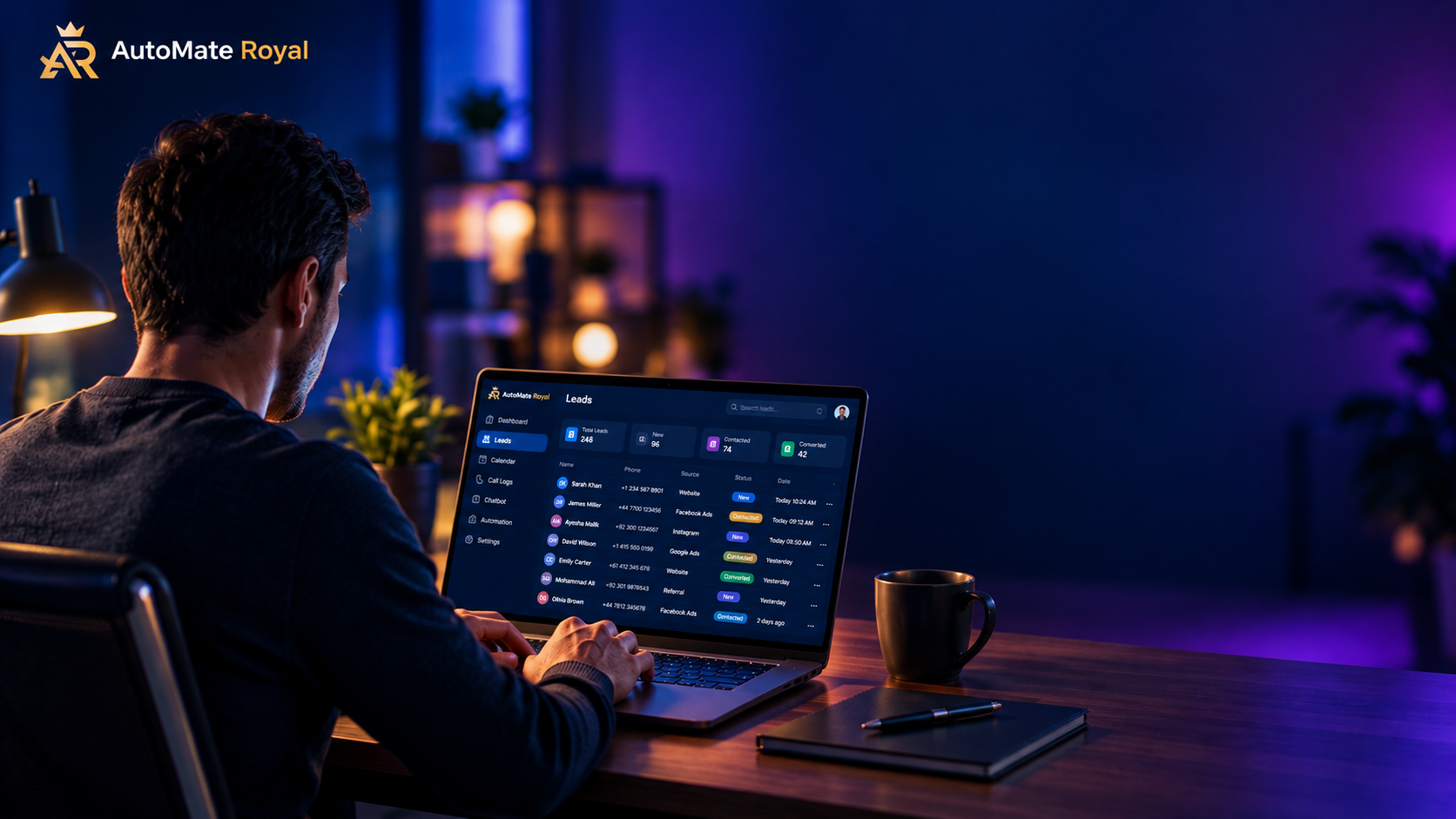
Finding new clients by hand is slow. You search Google Maps, open website after website, copy phone numbers into a spreadsheet, and by the time you finish, half the morning is gone.
In this guide, you will learn how to build an n8n lead generation workflow that does all of this automatically. Every morning it finds businesses in your chosen niche and city, checks which ones are missing basic automation, scores them, saves the best leads to Google Sheets, and sends you a summary on Telegram.
No coding background is needed. You only need an n8n instance, a free Apify account, a Google account and a Telegram bot.
What this workflow does
Here is the full flow from start to finish:
- A schedule trigger starts the workflow every day at 9 AM.
- Apify’s Google Maps scraper finds businesses (for example, “clinics in Doha”).
- The workflow opens each business website and looks for a WhatsApp button, a chatbot and online booking.
- Each business gets a score. The more automation gaps it has, the higher the score.
- Only the best leads are saved to Google Sheets, with duplicates removed.
- A Telegram message tells you how many new leads arrived and which five are the hottest.
Why automate lead generation?
- You save hours every week. The research runs while you work on other things.
- Your leads are better. Instead of random contacts, you get businesses with a clear problem you can solve.
- Your process is consistent. The workflow runs every day, even when you forget.
- It scales. Change one setting and the same workflow works for hotels, restaurants, clinics or online stores in any city.
What you need before you start
| Tool | Why you need it |
|---|---|
| n8n (cloud or self-hosted) | Runs the workflow |
| Apify account (free credits available) | Scrapes Google Maps data |
| Google Sheets | Stores your leads |
| Telegram bot | Sends you daily alerts |
Step 1: Pick one niche and one city
Start small. Choose a single niche and a single city, for example “clinics in Doha” or “restaurants in London”. Once the workflow works, you can change these two values and reuse everything else.
Step 2: Set up Apify
Create a free account on Apify and copy your personal API token from the integrations settings. In n8n, an HTTP Request node sends your niche and city to Apify’s Google Maps scraper and receives a list of businesses with their name, phone number, website, address, rating and review count.
Tip: store the token in an n8n credential instead of pasting it into the URL, so it does not appear when you export the workflow.
Step 3: Check each website for automation gaps
For every business that has a website, the workflow downloads the page and looks for signs of automation:
- A WhatsApp link or button
- A live chat or chatbot widget
- Online booking or appointment forms
Businesses with no website at all are also valuable leads, because they usually have the biggest gap.
Step 4: Score your leads
A simple scoring rule works well:
- No website: high score
- No WhatsApp button: points added
- No chatbot: points added
- No online booking: points added
- Many reviews: small bonus (the business is active)
- No phone number: points removed
Only leads above your minimum score move forward. This keeps your sheet clean and focused on real opportunities instead of hundreds of random rows.
Step 5: Save leads to Google Sheets
Create a sheet with a tab named Leads and put these headers in row 1:
placeId, name, category, phone, website, address, rating, reviews, score, gaps, mapsUrl, niche, location, date, status
Use the Google Sheets node in “append or update” mode and match on placeId. This way, if the same business appears again tomorrow, n8n updates the existing row instead of creating a duplicate.
Step 6: Get a Telegram alert every morning
Create a bot with BotFather, copy the token, send your bot a first message, and get your chat ID. Then add a Telegram node at the end of the workflow. Your morning message can look like this:
New leads: 12
Niche: clinics | City: Doha, Qatar

Top 5:
1. Example Clinic (score 80) - No website
2. ...
You open Telegram, see your best leads and know exactly who to contact first.
Step 7: Activate the workflow
Test with a small number of results first (for example 5). When everything works, raise the limit and switch the workflow to Active. Remember to set your workflow timezone in the workflow settings, otherwise the 9 AM trigger may fail to activate.
Common problems and quick fixes
- “No columns found” in Google Sheets: your header row is empty or on the wrong tab. Put the headers in row 1 of the correct tab.
- “Column to match on is required”: choose
placeIdas the matching column. - Phone numbers show #ERROR!: numbers starting with
+are read as formulas. Format the phone column as plain text. - “Invalid timezone” when activating: set the timezone in the workflow settings (for example Asia/Karachi).
- Telegram message ends with “sent automatically with n8n”: turn off the “Append n8n Attribution” option in the Telegram node.
- n8n slows down or crashes: lower the number of results per run or process websites in small batches.
Is this legal and safe?
The workflow uses public business information from Google Maps and company websites. Even so, always follow the rules for your target country. In the UK and EU, GDPR and PECR limit unsolicited marketing messages. On WhatsApp, mass unsolicited messages can get your number banned. Send personalised messages in small volumes, mention why you are contacting them, and always give people an easy way to opt out.
Frequently asked questions
Do I need to know how to code? No. Most of the workflow is built with visual nodes. Only the scoring step uses a small code block, which you can copy and paste.
How much does it cost? n8n can be self-hosted, Google Sheets and Telegram are free, and Apify offers free starting credits. Your cost depends on how many leads you scrape per month.
Can I use this for other niches? Yes. Change the niche and city values and the same workflow works for hotels, restaurants, clinics, salons, e-commerce stores and more.
Can I add AI to it? Yes. A common next step is to send each lead’s gaps to an AI model and generate a personalised outreach message, so you only review and send.
Final thoughts
A good lead generation system finds the right businesses every day without you lifting a finger. With n8n, Apify, Google Sheets and Telegram, you can build one in an afternoon and improve it over time.
Want this built for your business? AutomateRoyal designs n8n and AI automation workflows for clinics, hotels, restaurants and e-commerce brands. Contact us and we will set it up for you.